
Shape an idea with Genesis
Genesis develops an idea through Spark, Concept, The Case and Build-direction. Review the result before creating a project or saving a plan.
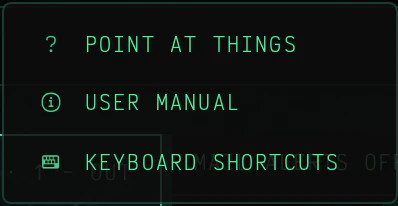
HOME > More ways to start > GENESIS; for an existing folder, PLAN > DRAFT IN GENESIS
Spark
The starting idea
Concept
What it will do
The Case
Who it is for
Build-direction
How to begin
Example Spark: "A small app to collect reading notes."
Develop an idea with Genesis
- Open HOME > More ways to start > GENESIS for a new project.
- Enter a working name.
- Describe the Spark in plain language.
- Develop the Concept, The Case and Build-direction in their respective stages.
- Review the scope before creating files.
- Choose CREATE & SCAFFOLD when the new project is ready.
Begin with a working name and the idea in plain language. The staged conversation helps describe what to build, who it is for and where the scope ends.
CREATE & SCAFFOLD creates a new project after confirmation. For an existing folder, SAVE PLAN creates a checklist and reference documents; it does not attach that plan to another workflow automatically.
Start an existing-folder draft from DRAFT IN GENESIS in the PLAN panel. Saving returns to the plan chooser, where the saved plan can be attached. SAVE PLAN creates SPEC.md and TODO.md only when they are missing.